Contents
- Index
- Previous
- Next
Merge Open Files
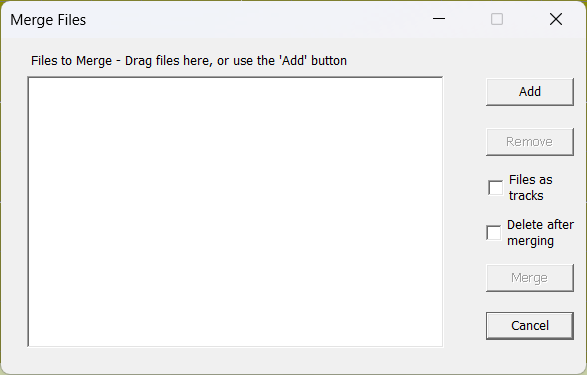
Use this command to merge two or more wave files prior to processing. For example, if you make two separate recordings of the two sides of an LP, you can use this command to combine them into a single file.
The order of the files to be merged can be changed by dragging with the mouse.
Use the 'Files to Tracks' option to place track markers at the file junctions. If this option is not selected, cue markers will be placed instead.
Note, this command can only be used with stereo wave files (.wav) and all files to be merged must share a common sample rate (44.1 or 48 kHz).